
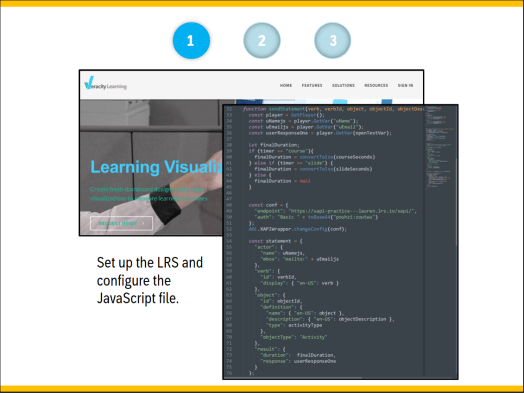
Experience the xAPI introduction PowerPoint presentation by clicking here
or the Storyline xAPI demo by clicking here.
- Audience: Scientific Applications and Sales Development teams
- Responsibilities: Instructional Designer, eLearning Developer, xAPI and JavaScript implementation
- Tools used: Articulate Storyline, PowerPoint, Sublime Text, Veracity LRS
The Problem and Solution
To enhance our courses through learning analytics, our team identified xAPI as a promising solution. To foster understanding and garner support from team members and stakeholders, it was crucial to provide comprehensive knowledge on what xAPI is, its functionality, and its capabilities.
To address this need, I created a synchronous two-part presentation that included an introduction to xAPI and a live demonstration, facilitating a clear understanding of its concepts and practical application.
The Process
The project began with my own learning journey to understand the principles of xAPI and how to write xAPI statements. Through in-depth research and studying relevant documentation, I gained a comprehensive understanding of xAPI’s functionalities and syntax.
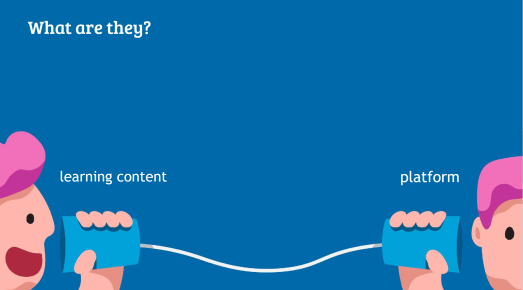
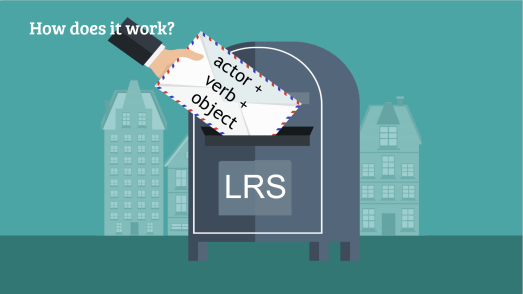
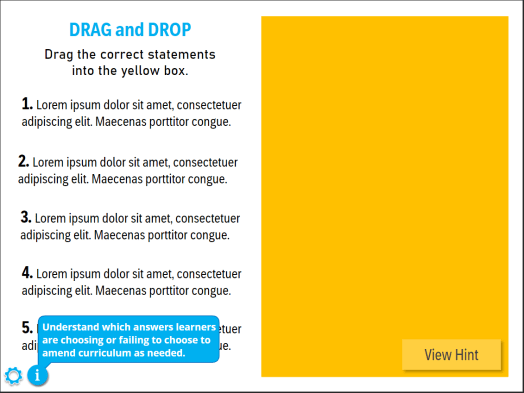
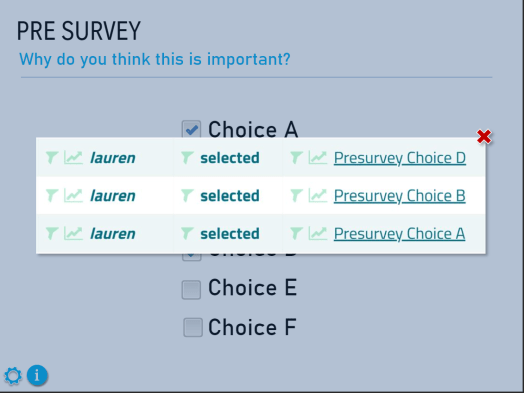
Once equipped with the necessary knowledge, I proceeded with a two-part process to introduce xAPI to the team. First, I created a PowerPoint presentation that provided an overview of xAPI, emphasizing its benefits for our company and ensuring team members understood its significance through clear explanations and relevant examples. In the second part, I developed a small, fully xAPI enabled Storyline course to demonstrate how xAPI functions within an e-learning environment. This practical showcase allowed team members to observe the tracking and recording of learner interactions and performance data. Furthermore, I briefly covered the setup process for configuring a Storyline course to send xAPI statements, providing the team with practical insights for implementing xAPI effectively in our e-learning courses.
Throughout the process, I provided guidance, resources, and support to team members, empowering them to comprehend xAPI concepts and develop the necessary skills. This comprehensive approach ensured that our team was prepared to leverage xAPI’s capabilities effectively and enhance our learning and training initiatives.
The Results
The presentation successfully achieved its objectives, generating enthusiasm among team members regarding the future direction of our teams, courses, and learners. It provided a comprehensive understanding of xAPI, enabling everyone to engage in discussions about this direction with nuance and confidence. The team now possesses the knowledge and awareness needed to explore and implement xAPI effectively in the future.
Learn how to create a similar xAPI enabled course by follow Devlin Peck’s tutorial here.
 Lauren Ackley